
How do I log in?
You can log in via the website or the mobile app.
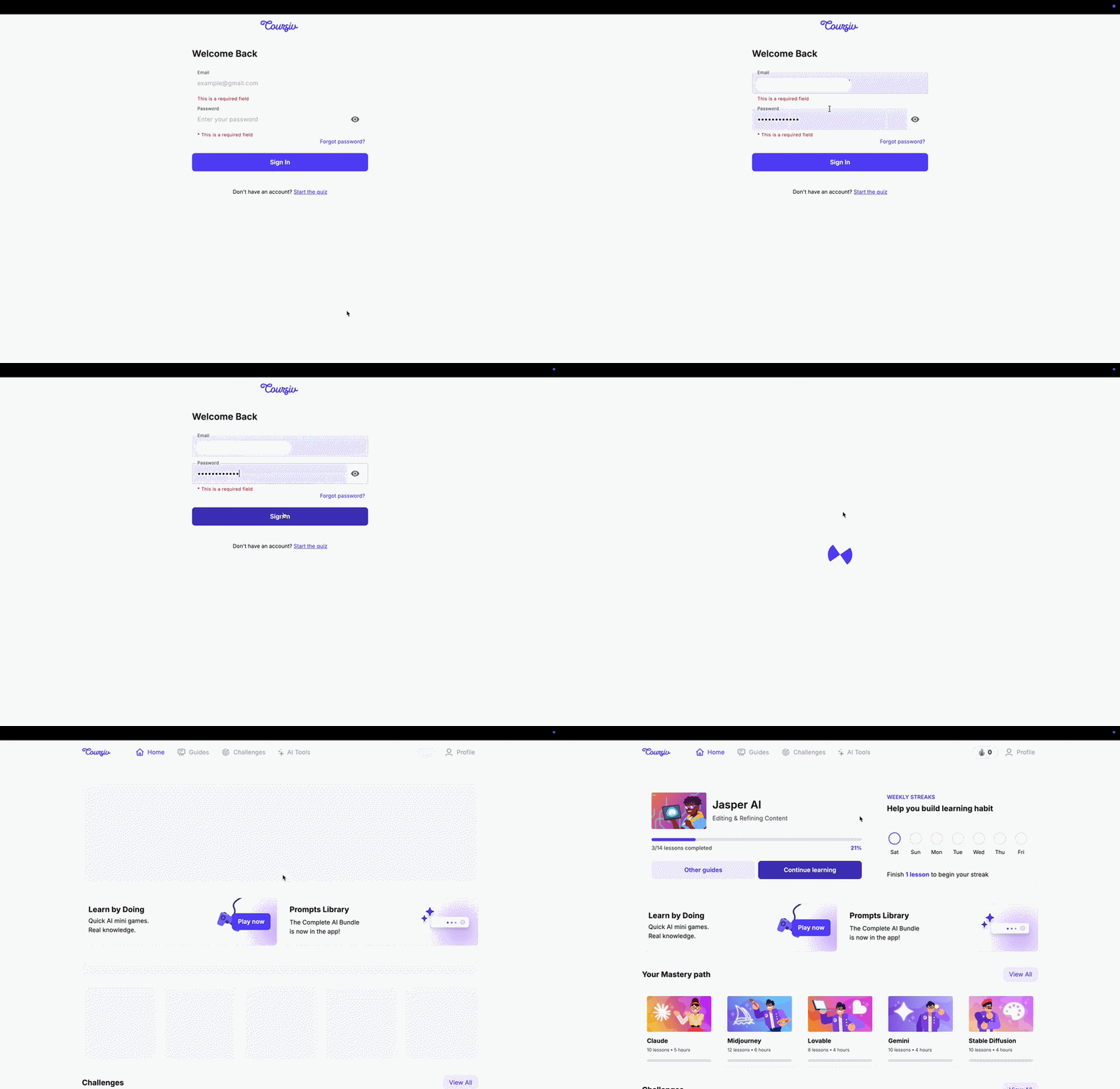
Via website Go to Mexta, enter your email and password.
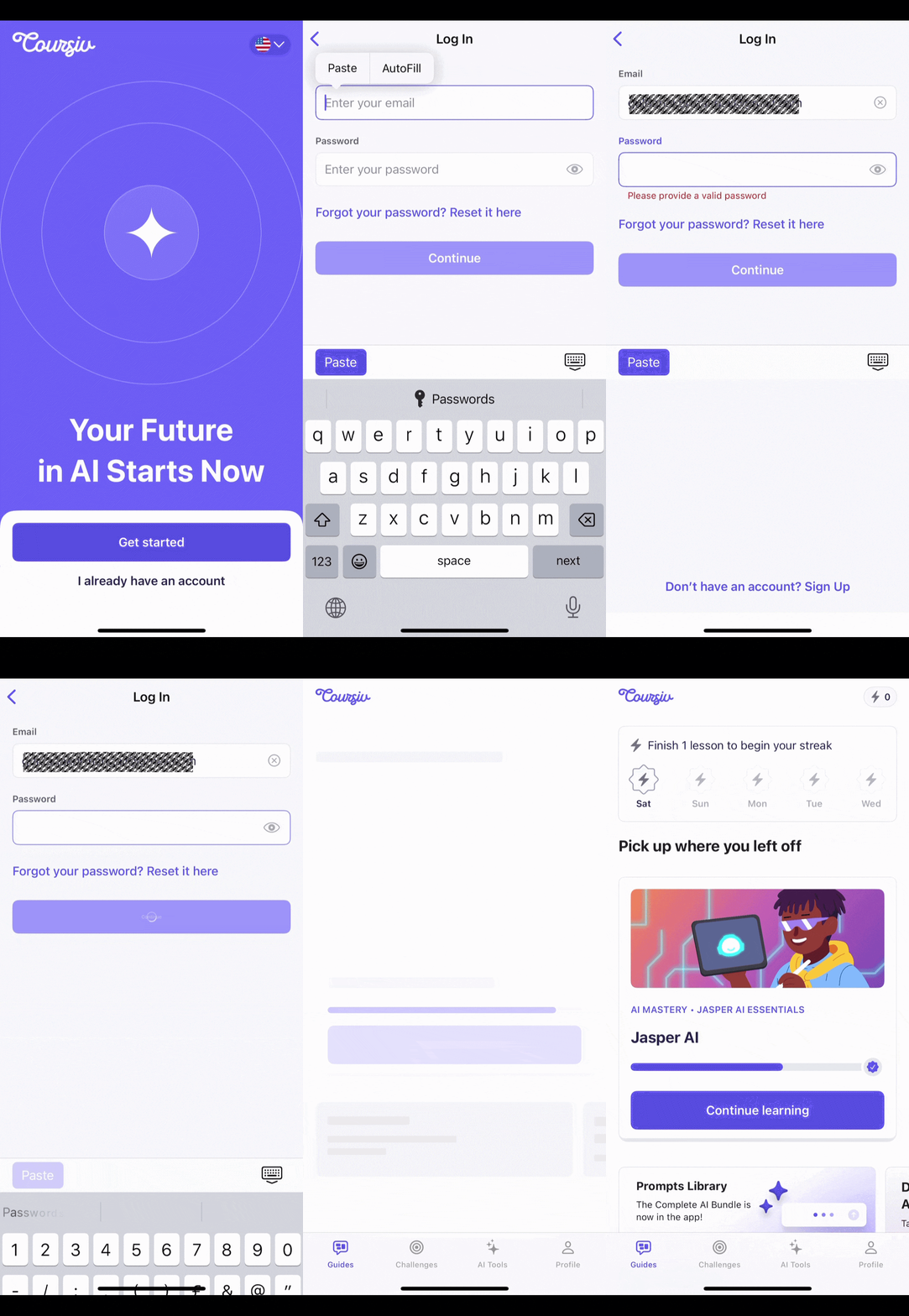
Via mobile app Open the Mexta app → tap I already have an account → enter your email and password.
Having trouble? Find your case below:
1. You see "Seems like you have not registered yet"
This means your account wasn't created yet. Check your inbox for an email from info@notifications.mextalearn.com titled "Complete your registration at Mexta" and click Create account.
2. You see "Seems like you have already registered"
This email is already linked to an account. Go to the login page and use Forgot password if you don't remember your password.
3. You forgot your password
- Go to Reset password
- Enter your email and click Send code
- Enter the 6-digit code from your inbox
- Set a new password
4. You don't remember which email you used
Email us at support@mextalearn.com with your payment details so we can find your account:
- Invoice or payment receipt
- Payment date and amount
- Last 4 digits of your card
- Issuing bank name
Still need help?
Our team replies at support@mextalearn.com