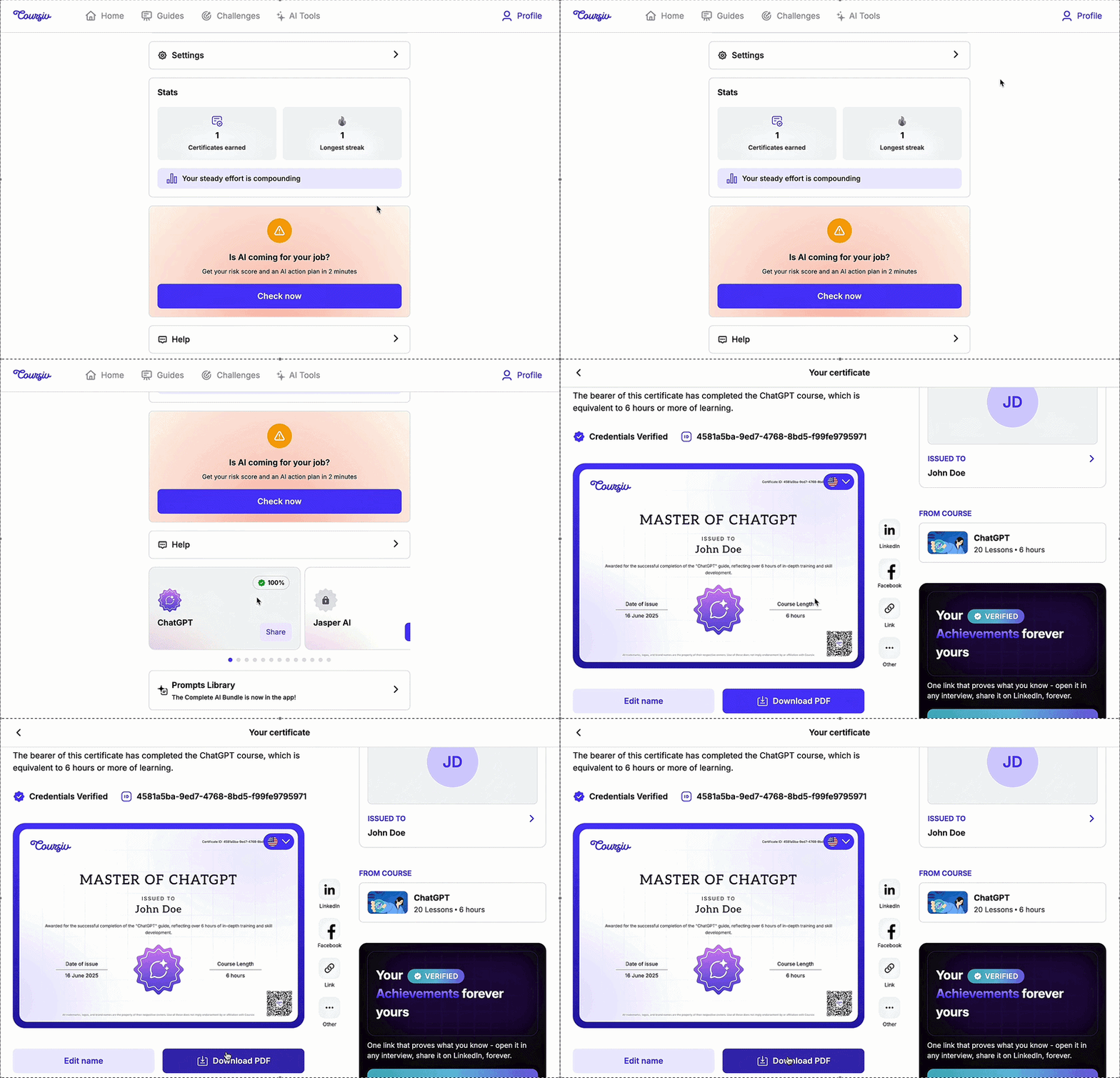
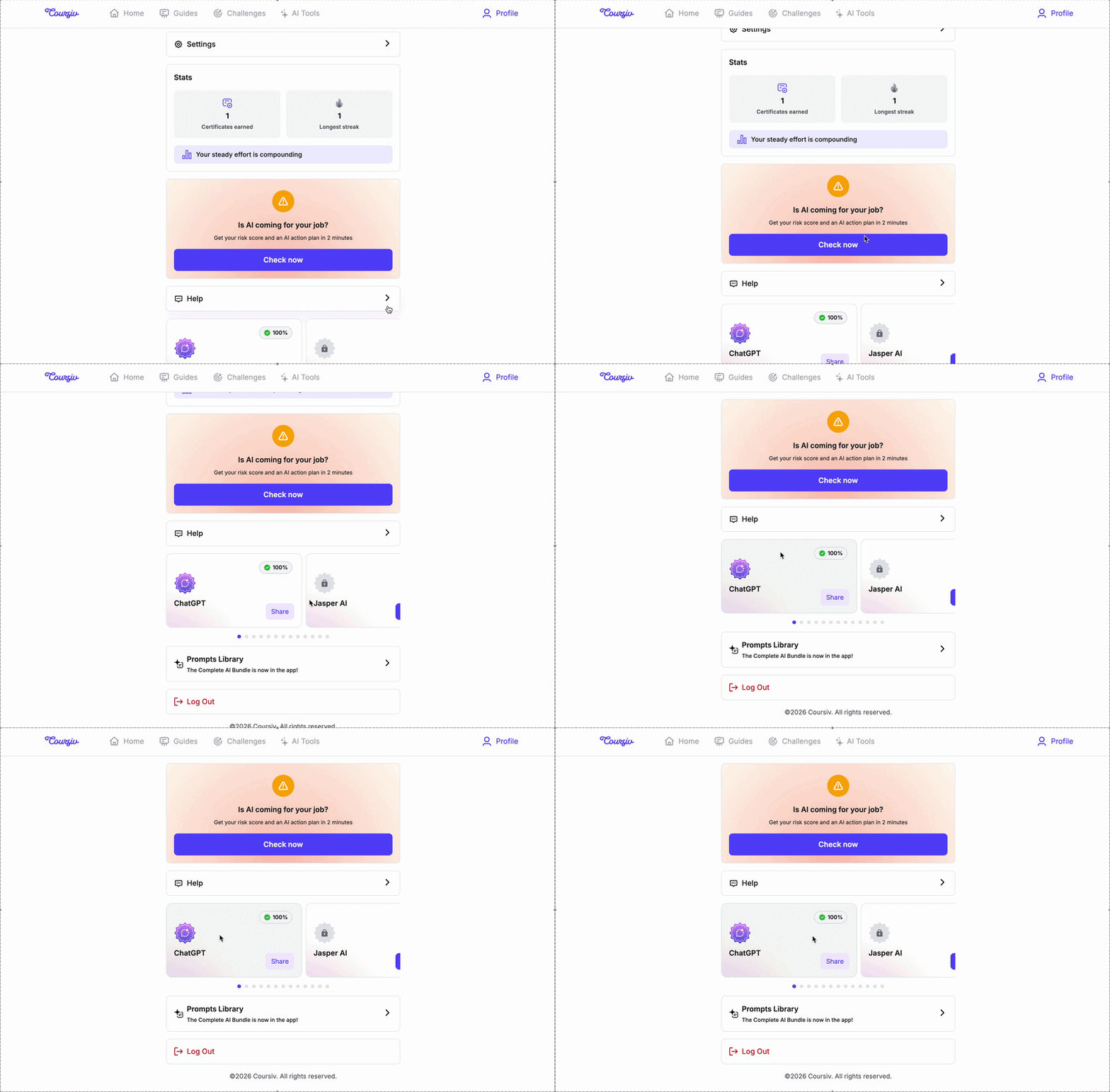
Support Center›user onboarding›Everything about certificatesEverything about certificatesShowcase your achievements and track your progress by earning official certificates of completion for our specialized guides.1. Complete Eligible GuidesYou can currently earn certificates by finishing any course within the AI tools category, including:ChatGPTClaude MidJourneyJasper AIStable DiffusionLovableGemini DeepSeekVEOPerplexity Kling Canva AI2. How to Access Your CertificateNavigate to the Profile section Locate the Certificates Tap on the completed guide to view and download your certificateNote: You can earn certificate once you have completed a guide to 100%3. How to Change the Name on Your CertificateGo to your Profile.Tap on the Certificate you wish to modifySelect the Edit Name optionEnter the correct name and submit the changesNote: You can change the language of the certificateNeed help? Please reach out to us at support@mextalearn.com or visit our Support Center.Still need help?Our team replies at support@mextalearn.comSubmit a ticketRelated articlesWhat is Mexta?→How does Mexta work?→Can I trust Mexta? Is it legitimate?→What are the age requirements to use Mexta?→What benefits and features will I receive through Mexta?→← Back to Support Center